Content was last updated in 06.01.03-00
The comments column help you by indicating Labor Position comments exists in R2.
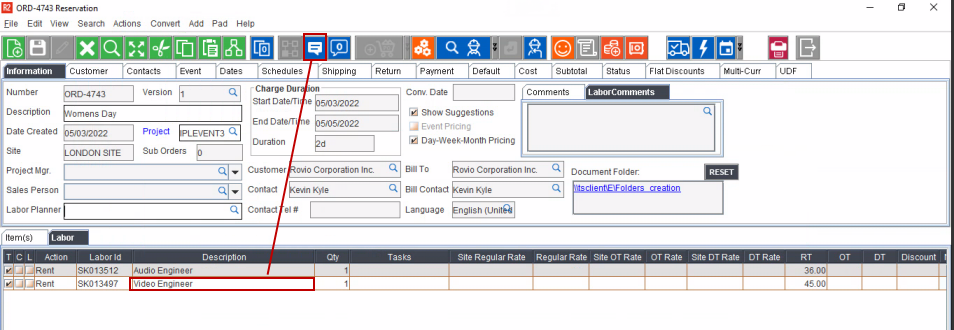
Create an Order in R2, add Labor positions, and assign EWT to the positions.
Select the Labor position and Click Comments icon.
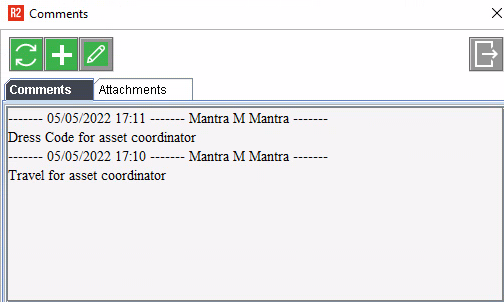
Enter labor position comments. Save the Order.
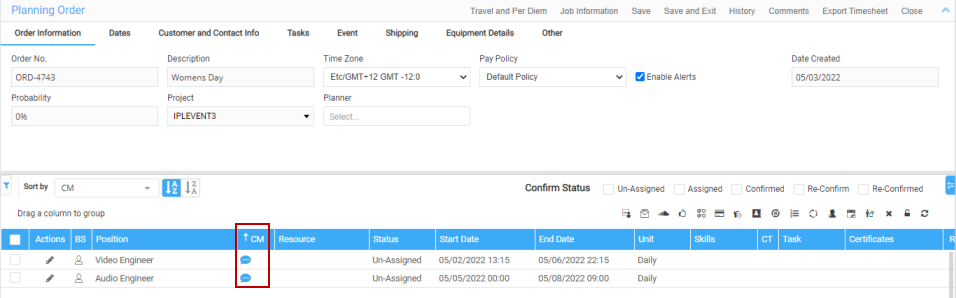
In Labor application, open the order in planning order.
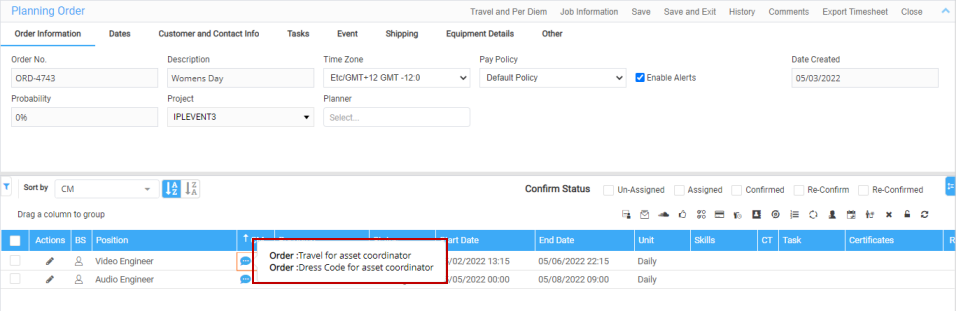
The Comment icon shows in blue to indicate comments are present.
Mouse hover on the comment icon, tooltip displays the comments from R2 Labor Lines.