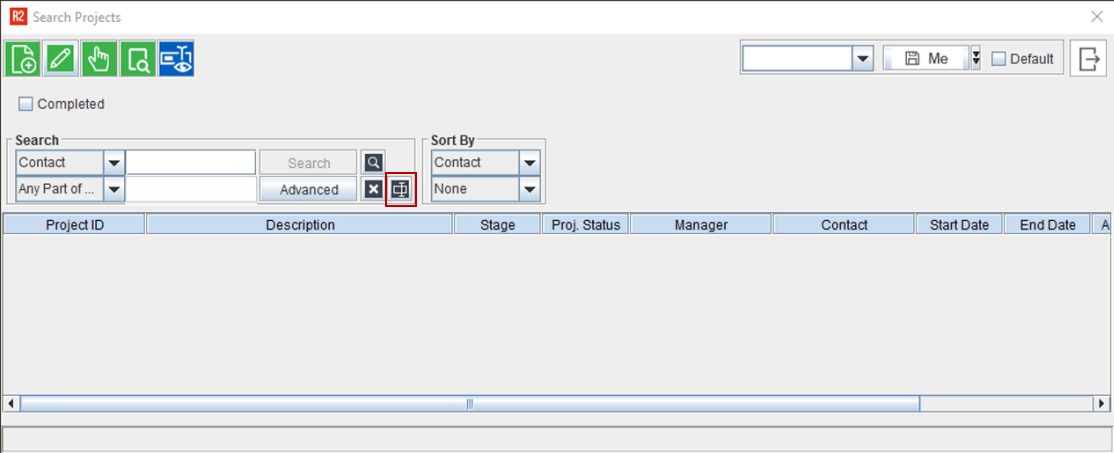
Open Project Search window from Accounts module.
Click the UDF search button in the window (highlighted).
Figure 1.0: Project Search Window
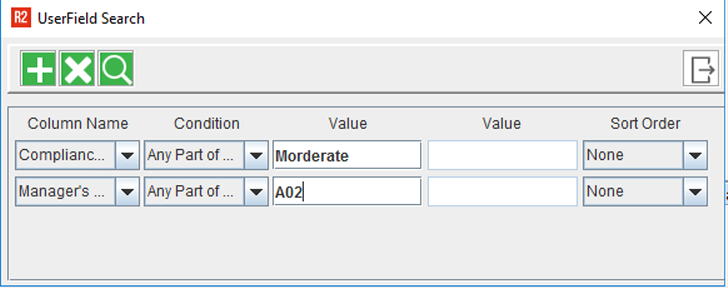
Select the desired UDF and give a corresponding value.
If you wanted to give more than one UDF as the search parameter, click the add button.
Select another UDF along with a corresponding value, and click search.
Figure 2.0: Project UDF Search Window
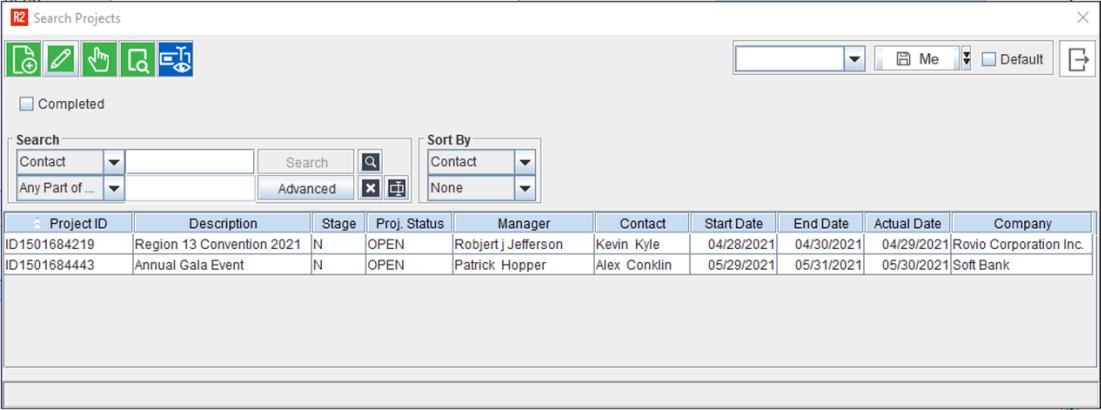
A window displaying a list of Project based on selected UDFs and corresponding values is shown..
Figure 3.0: Project Search Window displaying list of Project based on selected UDFs